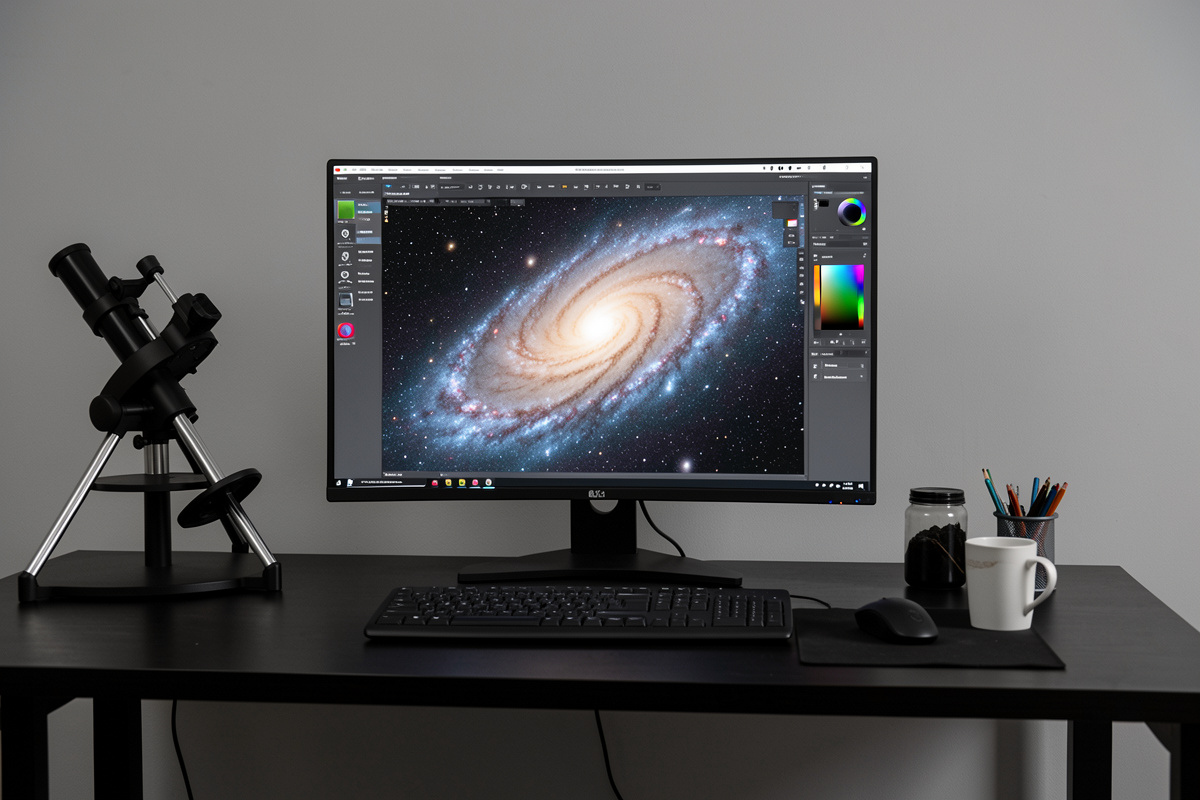

Color calibration sets a physically honest white balance so your galaxies, stars, and nebulae show true color instead of a green, orange, or blue cast. The reliable modern method uses the stars themselves: a photometric calibration measures real star colors against a catalog and sets your white point from physics, not guesswork. Done on linear data, it gets color right on the first try far more often than eyeballing ever will.
Color is where amateur deep-sky images most visibly betray themselves — the green nebula, the orange sky, the blue star halos are all calibration failures, not camera faults. The fix is a short, ordered routine that belongs early in the processing pipeline, while the data is still linear. Here is how I get white right from a light-polluted backyard and a dark Nordic site alike.
Why Astrophoto Color Goes Wrong
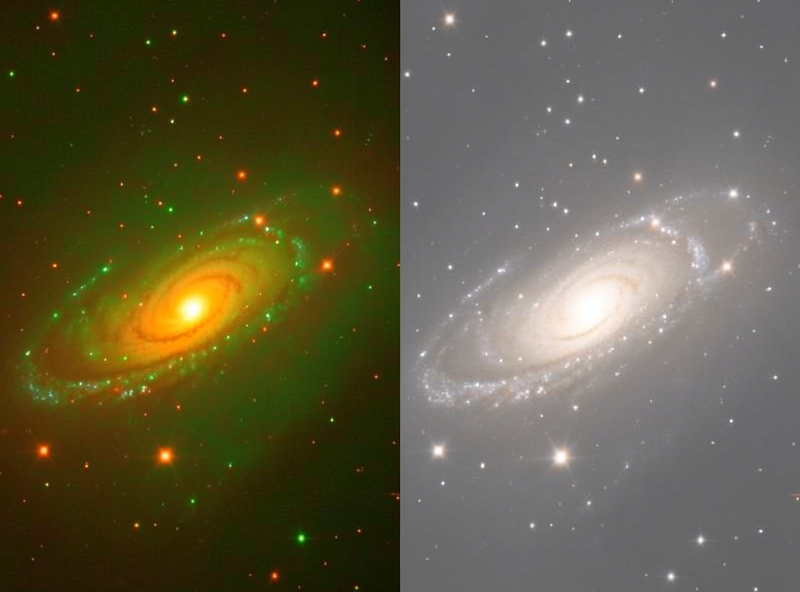
Three things conspire against accurate color. First, your sensor and any filters have their own color response that is never perfectly neutral. Second, light pollution adds a strong, uneven color cast — sodium and LED streetlights paint the background orange or magenta and that bias bleeds into everything. Third, the human eye has no fixed reference for what a galaxy “should” look like, so manual white-balancing drifts toward whatever looked good last night.
The result is the classic tells: a green wash across nebulae (green is over-represented because most sensors have twice as many green photosites), a colored sky background instead of neutral grey, and stars that should span blue-white to orange all looking the same tint. None of these are fixed by saturation sliders — they are white-point and gradient problems that need addressing at the source.
Calibrate Color While the Data Is Linear
The single most important rule: calibrate color before you stretch. Stretching is a nonlinear curve that distorts the relationship between channels, so any color correction applied afterward is fighting a moving target. On linear data — the raw stacked master, before any stretch — the pixel values are still proportional to the photons that hit the sensor, and that is the only state where photometric color math is valid.
This is why screen-transfer and autostretch previews exist: they let you see the linear image stretched for inspection without actually changing the data, so you can judge your color work before committing the real stretch. I do all gradient and color work on the linear master with a preview stretch active, then flatten that preview and apply the genuine stretch only once everything beneath it is correct. Get this order wrong and you will spend the rest of the edit chasing a cast the stretch locked in.
Remove Gradients First
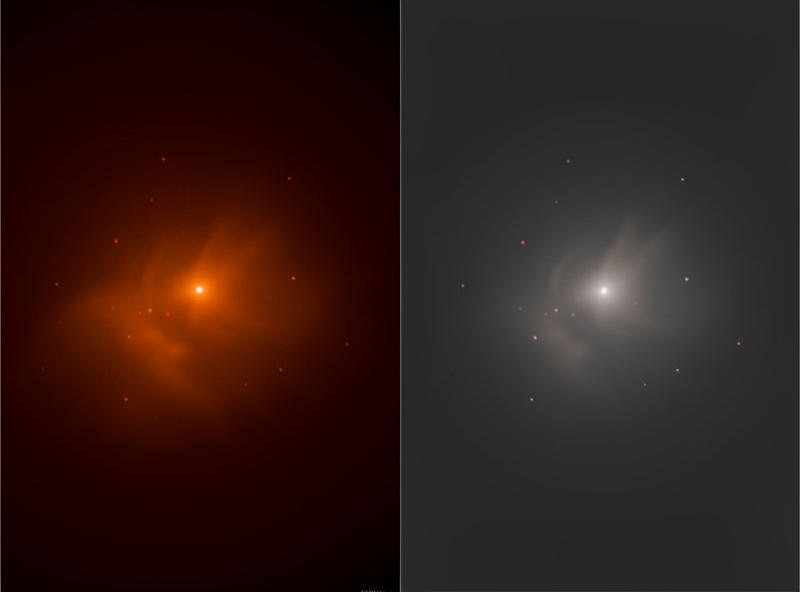
From any light-polluted site, gradient removal has to come before color calibration, or the calibration will try to neutralize an orange sky-glow gradient instead of the actual target colors. A background-extraction tool models the smooth light-pollution and vignetting gradient across the frame and subtracts it, leaving a flat, neutral background for the color step to work against.
From my Bortle 5 backyard this step is non-negotiable — the gradient is often stronger than the target. From the darker Nordic site it is gentler but still worth doing, because even moonlight and horizon glow leave a slope. Place your sample points on genuine background sky, avoid the target and bright stars, and use a model just complex enough to catch the gradient without eating real nebulosity. A good light-pollution filter at capture reduces the gradient you have to fix later, which makes color calibration far more reliable from the suburbs. As an Amazon Associate I earn from qualifying purchases.
Photometric (Broadband) Color Calibration
For broadband images — ordinary color or LRGB of galaxies and star fields — photometric color calibration is the gold standard. The tool plate-solves your image to know exactly which stars are in frame, looks up their cataloged colors, and computes the channel weights that make those stars the right color. Because it references real astrophysical data, it removes the guesswork: white stars come out white, the sky goes neutral grey, and galaxy cores show their true yellow-white populations.
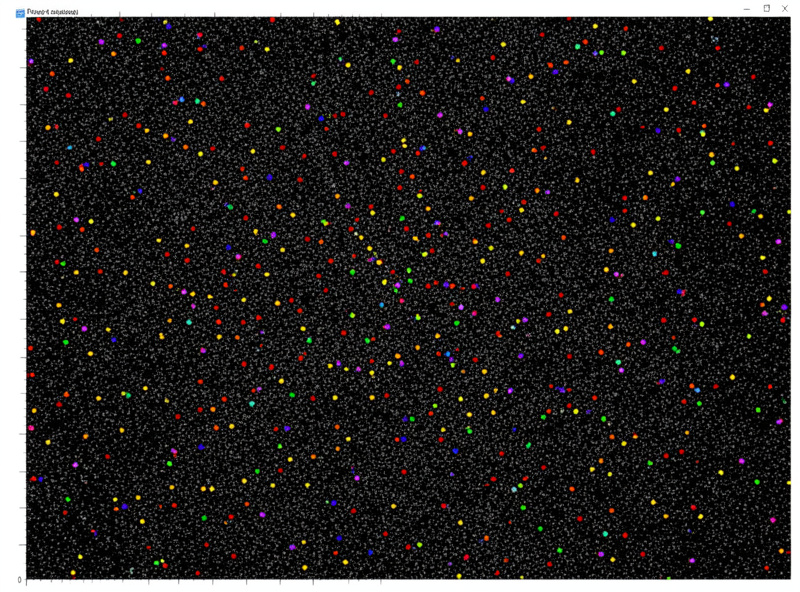
This is a genuine leap over the older method of manually picking a “white reference” star and neutralizing the background by eye. Both Siril and PixInsight implement photometric calibration, and it is one of the strongest reasons to use a tool that has it. Run it after gradient removal, on linear data, and it typically nails color in one pass — covered as a default step in the PixInsight vs Siril comparison.
Killing the Green Cast
Even after calibration, a faint green tint often lingers in nebulae because there are essentially no truly green astronomical objects — green is almost always residual noise or imbalance. A selective green-removal step (the well-known SCNR-style tool) clips the excess green toward neutral without touching legitimate color. Applied at moderate strength it cleans the image instantly; applied too hard it can leave magenta where green used to be, so it is a light touch, not a slider to max out.
I run green removal once, after color calibration and the initial stretch, and judge it against the background and any genuine teal-blue HII regions. If stars or nebula edges start turning pink, I back it off. It is one of those steps that does ninety percent of its good in the first gentle application.
Narrowband Is a Different Game
Everything above is about reproducing true color from broadband data. Narrowband imaging — isolating hydrogen, oxygen, and sulfur emission lines — is not about true color at all; it is deliberate false-color mapping, assigning each emission line to a display channel to build palettes like the famous Hubble (SHO) look. There is no “correct” color, only choices, so photometric calibration does not apply in the same way.
Narrowband does still need balance and green management, because the harsh emission-line data tends toward strong magenta and green that need taming for a pleasing palette. But the mindset flips from “reproduce reality” to “design a palette that reveals structure.” If you are shooting broadband color from a one-shot camera, stay with photometric calibration; narrowband palette work is a later skill. Either way, color comes before noise and sharpening — the noise reduction guide picks up where this leaves off.
Frequently Asked Questions
Should I calibrate color before or after stretching?
Before. Color calibration is only mathematically valid on linear data, where pixel values are still proportional to captured photons. Use a screen-transfer or autostretch preview to inspect the image, but apply the real stretch only after gradient removal and color calibration are done.
What is photometric color calibration?
It plate-solves your image, looks up the real cataloged colors of the stars in frame, and computes the channel weights that make those stars the correct color. Because it references astrophysical data instead of taste, it neutralizes the background and gets broadband color right in one pass.
Why is my nebula green?
There are essentially no truly green astronomical objects, so a green cast is residual imbalance or noise, often worsened by sensors having twice as many green photosites. A selective green-removal step applied at moderate strength clips the excess toward neutral without harming legitimate color.
Do I need to remove gradients before calibrating color?
Yes, especially from light-polluted skies. If you calibrate color first, the tool tries to neutralize the orange sky-glow gradient instead of the real target colors. Remove the gradient with a background-extraction tool, then run color calibration on the flat, neutral result.
Does color calibration work for narrowband images?
Not in the same way. Narrowband imaging is deliberate false-color mapping of emission lines to display channels, so there is no true color to reproduce. Narrowband still needs balance and green management, but photometric true-color calibration applies to broadband data, not palette work.
