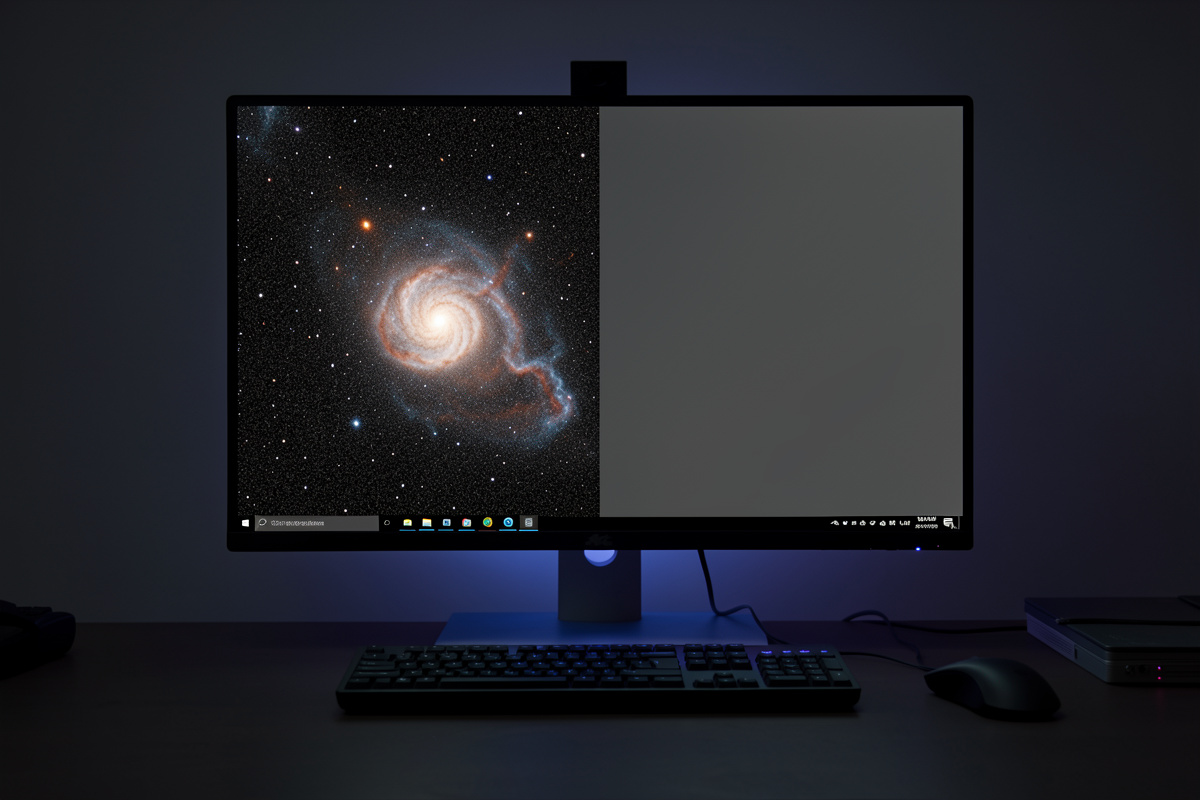

Noise reduction smooths the grainy background of a stretched astrophoto while protecting the faint structure and stars you worked to capture. The catch is restraint: over-smoothed images take on a plastic, waxy look that is an instant tell. The single most effective noise reduction is not a tool at all — it is collecting more total exposure time, because signal-to-noise scales with the square root of integration.
That ordering matters. Reach for masks and denoisers only after you have gathered enough data and processed in the right order, or you will be smoothing away detail to hide noise you could have prevented. This guide covers where noise comes from, when to reduce it, how to mask so you hit the background and spare the stars, and how to tell genuine smoothing from detail destruction — the refinement stage of the processing pipeline.
The Best Noise Reduction Is More Data
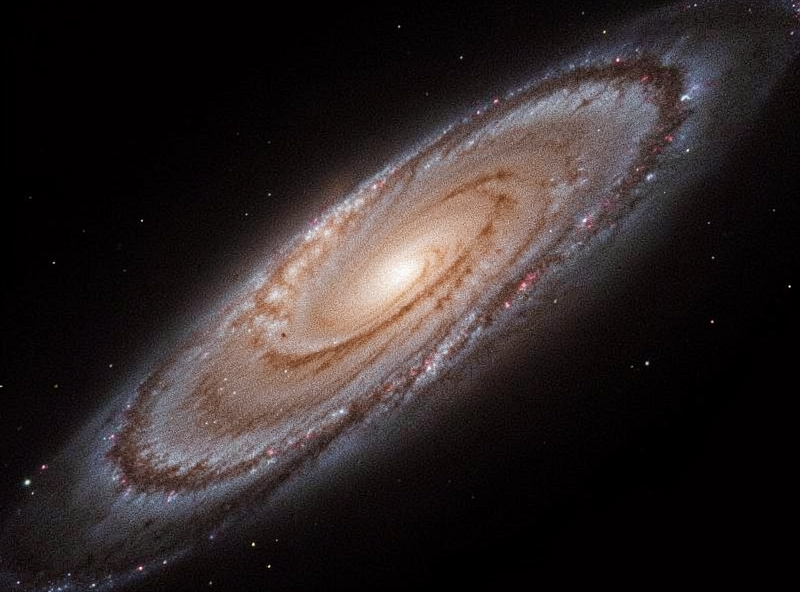
Before any software, internalize the square-root rule: doubling your total integration time cuts noise by about 1.4x, and quadrupling it halves the noise. A clean four-hour image needs far less aggressive smoothing than a noisy one-hour image of the same target, because the noise was never as loud to begin with. Every hour under the sky is an hour you do not have to fake at the keyboard.
This is why experienced imagers chase integration time across multiple nights rather than relying on denoisers. Software can hide noise, but it cannot add the real signal that more photons would have provided — and the more you lean on smoothing, the more genuine faint detail goes with it. From my Nordic dark site the long, cold winter nights make deep integration practical, and the resulting data barely needs noise reduction. From a light-polluted backyard, more frames is still the first answer. Get the data right and this whole stage becomes a light touch.
Where Noise Comes From
Understanding the sources tells you which ones you can fix at capture and which you manage in processing. Not all noise is equal, and calibration removes some of it before noise reduction ever enters the picture.
| Noise type | Source | Main fix |
|---|---|---|
| Shot (photon) noise | Random arrival of light, including sky glow | More integration time |
| Thermal noise | Sensor heat during exposure | Camera cooling, dark frames |
| Read noise | Electronics reading each frame | Longer subs, low-read-noise sensor |
| Fixed-pattern / hot pixels | Sensor defects | Calibration frames, dithering |
| Light-pollution gradient | Sky glow | Darker site, filters, gradient removal |
Notice how much is handled before noise reduction: cooling and darks knock down thermal noise, dithering and calibration erase fixed-pattern noise, gradient removal flattens sky glow. By the time you reach the dedicated noise-reduction step, you are mostly dealing with residual shot noise in the faint background — and that is exactly what masked smoothing is good at. Get the upstream steps right and you have far less to do here; the stacking guide covers calibration and dithering in detail.
Reduce Noise After Stretching, On a Mask
The bulk of noise reduction happens after stretching, because stretching is what makes the faint background noise visible in the first place. Apply it to the stretched image, but never globally — a flat smoothing pass over the whole frame melts the very detail you are trying to show. The tool that makes noise reduction safe is the mask.
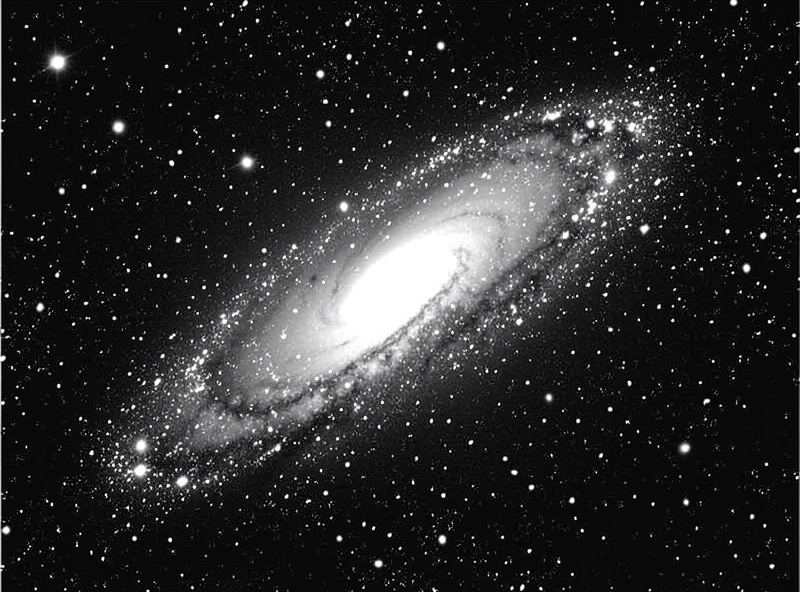
I build a luminance mask that exposes the dim background where noise lives and protects the bright structure — galaxy cores, nebula filaments, and especially stars. With that mask active, the denoiser hits the noisy background hard and barely touches the detail. Stars in particular must be protected; smoothing them produces soft, bloated, lifeless points that ruin an otherwise sharp image. Mask first, then smooth — the mask is the difference between noise reduction and detail destruction.
AI Denoisers: Powerful, But Still Restraint
The last few years brought AI-based denoisers that are genuinely better at separating noise from faint structure than the older wavelet and median methods. They can clean a background that would have taken careful masking and several passes, and they preserve more real detail while doing it. Used well, they have changed this stage of the workflow.
But the same discipline applies: at high strength they invent smooth texture that was never in the data, giving that tell-tale plastic look, and they can erase the faintest real structure along with the noise. I treat an AI denoiser like any other tool — moderate strength, ideally still on a mask, and always judged against the original. If the result looks smoother than the signal could possibly support, it is hiding the truth rather than revealing it. The honest test is whether the faint outer regions still look like data, not like airbrushing.
Work in Stages and Judge at 100%
One heavy noise-reduction pass almost always overshoots. Two or three gentle passes, evaluated between each, land far better — you can always add more smoothing, but you cannot rebuild detail you smeared away. I reduce a little, look, and decide whether the image needs more, rather than committing to a single aggressive hit.
Crucially, judge at 100% zoom, not fit-to-screen. A fit-to-screen view hides both noise and over-smoothing because the display is downsampling your pixels; at 100% you see what is actually happening to the data. The faint outer arms of a galaxy should still read as real, slightly textured structure, not as a clean gradient. Noise reduction sits between color work and final sharpening — over-smooth here and the sharpening that follows will have nothing real to enhance. Get the balance right and the two stages cooperate: smooth the background, sharpen the structure.
Frequently Asked Questions
What is the best way to reduce noise in astrophotography?
Collect more total integration time. Signal-to-noise scales with the square root of exposure, so a clean four-hour image needs far less smoothing than a noisy one-hour one. Software noise reduction is a finishing touch, not a substitute for gathering enough photons.
Should I reduce noise before or after stretching?
Mostly after stretching, because stretching is what makes the background noise visible. Apply noise reduction to the stretched image on a luminance mask that protects bright structure and stars, so the denoiser only smooths the dim, noisy background.
Why does my astrophoto look plastic or waxy?
That is over-aggressive noise reduction. Heavy smoothing erases fine detail and invents texture that was never in the data, producing an airbrushed look. Work in two or three gentle passes on a mask and judge at 100 percent zoom rather than fit-to-screen.
Are AI denoisers worth using for astrophotography?
Yes, used with restraint. Modern AI denoisers separate noise from faint structure better than older wavelet methods and preserve more real detail. But at high strength they invent smooth texture and erase faint signal, so keep strength moderate and judge against the original.
How do I keep noise reduction from ruining my stars?
Use a mask that protects stars and bright structure. Smoothing stars makes them soft and bloated, which ruins an otherwise sharp image. A luminance mask exposes only the dim background where noise lives, so the denoiser leaves stars and detail untouched.
