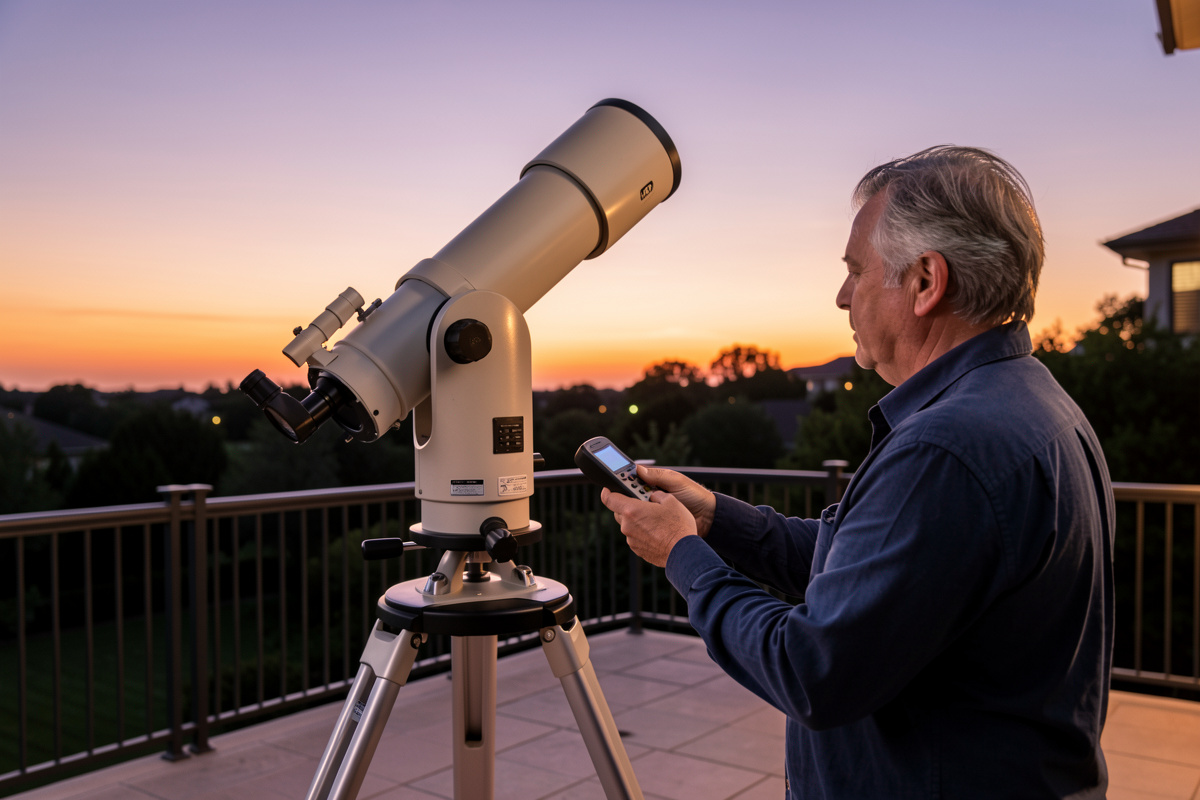

A GoTo mount only finds objects if you align it correctly, and the alignment routine is where almost every beginner stumbles on night one. Get four things right — a level tripod, the correct date and time, your exact location, and an accurate sync on two alignment stars — and the mount will slew to a faint galaxy and drop it in the eyepiece. Get any one wrong and it confidently points at empty sky.
I have set up GoTo mounts hundreds of times, on both a Celestron-style NexStar controller and the Sky-Watcher SynScan system I use now, and the failures are almost never the mount’s fault. They are input errors. This guide walks the alignment process in the exact order you do it in the field, then covers the mistakes that waste the first clear night. For where GoTo fits among the other mount options, see the main telescope mount guide.
Before You Align: Level and Home Position
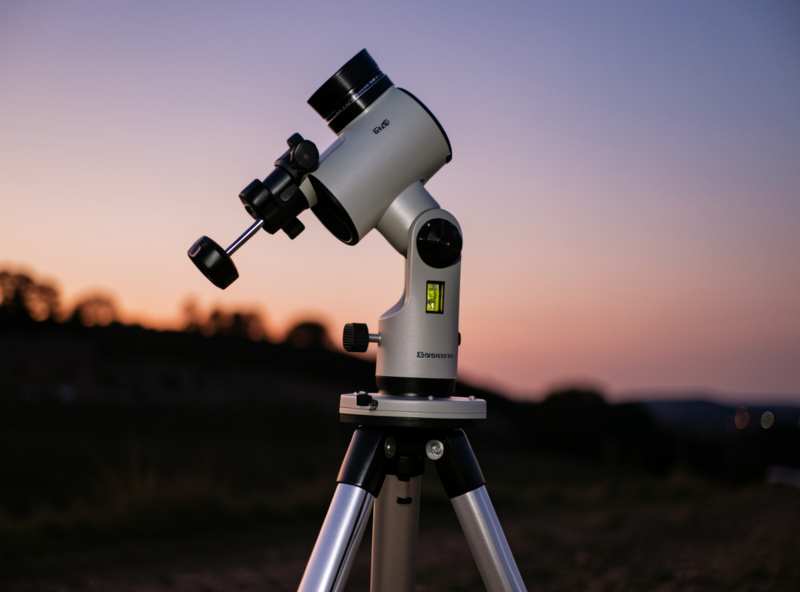
Alignment starts before you touch the hand controller. Level the tripod using its built-in bubble or a spirit level, then set the mount to its home (or index) position — for an alt-az GoTo that usually means the tube level and pointed at true north; for an equatorial it means the counterweight bar straight down and the scope pointed at the pole. A tripod even a few degrees off level throws the whole alignment model out.
Levelling matters more than people expect because the mount builds its internal model of the sky assuming it knows which way is down and which way is north. From my northern latitude, true north is an easy reference because Polaris is high and obvious, but remember the mount wants true north, not magnetic — the difference (magnetic declination) can be several degrees depending where you live. Spend the extra minute here; a sloppy home position is the most common reason a first alignment fails. The mechanics of pointing the polar axis for equatorial GoTo mounts are covered separately in the polar alignment guide.
Entering Date, Time, and Location
The mount calculates where every object is from your date, time, and geographic coordinates, so these must be exact. A time error of four minutes shifts the sky by one degree — enough to push a target out of a high-power eyepiece. Enter your longitude and latitude to the nearest few minutes of arc, set the correct time zone, and answer the daylight-saving question honestly.
This is where most “my GoTo doesn’t work” complaints actually originate. Common traps: getting the longitude sign wrong (west is negative in most conventions), forgetting daylight saving so the clock is an hour off, or entering an approximate location rounded to the nearest whole degree, which can be 60-plus kilometres out. Many modern mounts have GPS or pull location and time from a phone app over Wi-Fi, which removes most of this risk — one reason I prefer the SynScan app workflow. If you are entering it by hand, double-check every field before you accept it; the mount cannot tell a typo from the truth.
Star Alignment: One, Two, or Three Stars
With the basics set, you sync the mount to the real sky by centring known alignment stars. A one-star alignment is quick and fine for a rough visual session; two-star alignment is the standard that corrects for small setup errors; three-star (or more) alignment builds the most accurate pointing model and is what I use when I want the mount to nail faint targets across the whole sky.
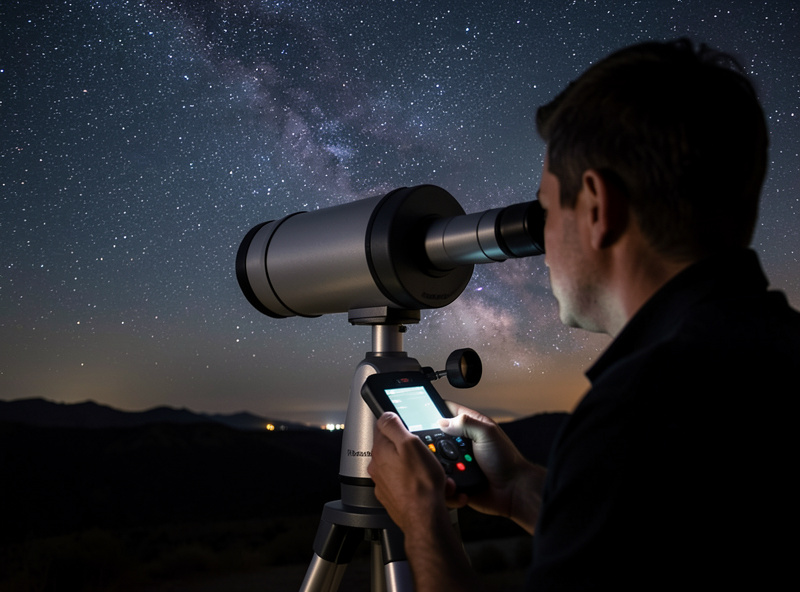
The routine is simple: the mount slews to its first chosen star, you centre it precisely in the eyepiece — always finishing the centring with the same two direction buttons to cancel backlash — and confirm. Repeat for each remaining star, choosing stars well separated across the sky for the best model. Celestron’s SkyAlign variant lets you centre any three bright objects without naming them and works out which they are, which is genuinely useful when you do not yet know the sky. Use a high-power eyepiece or a crosshair reticle for the final centring; the more precisely you centre the alignment stars, the better every subsequent slew will be. A good planetarium app helps you identify what you are centring — see my apps for telescope stargazing.
Why GoTo Slews to the Wrong Place
When a well-built GoTo mount misses, the cause is almost always one of a short list: an un-level tripod, a wrong home position, a date or time error, incorrect coordinates, or sloppy centring of the alignment stars. The mount is doing exactly what its inputs told it to — the error is upstream. Fix the inputs and re-align rather than blaming the hardware.
There is one mechanical cause worth knowing: backlash, the small dead zone before gears re-engage when you reverse direction, mostly on the declination or altitude axis. If you over-shoot an alignment star and back up to centre it, you bake that slop into the model. The fix is the habit above — always make your final centring nudges with the up and right buttons (or whichever pair your manual specifies) so the gears are always loaded the same way. If pointing is good near your alignment stars but drifts far across the sky, add more alignment stars or improve your level and home position.
GoTo Without a Hand Controller: App and Plate-Solving
Modern GoTo has moved beyond the hand controller. Sky-Watcher’s SynScan and Celestron’s apps run the whole alignment from a phone over Wi-Fi, and imaging controllers like an ASIAIR or a mini-PC running N.I.N.A. can align by plate-solving — the camera photographs a patch of sky, the software identifies the exact star field, and the mount syncs itself with no eyepiece centring at all.
Plate-solving alignment is, frankly, a revelation if you image. From my dark site I power up, let the controller solve and sync, and I am on target faster and more accurately than any manual two-star routine could manage. It sidesteps the human error that causes most alignment failures because there is no manual centring to get wrong. If you are running a camera anyway, this is the way to align an equatorial GoTo. For visual-only observers, the phone-app workflow is the easy middle path. Whether you even need full GoTo versus a simpler driven mount is worth thinking through — I lay that out in the single-axis versus GoTo comparison, and the brand-specific quirks of NexStar versus SynScan are in the Celestron and Sky-Watcher comparison.
Frequently Asked Questions
Why does my GoTo telescope point to the wrong object?
Almost always an input error, not a hardware fault. Check that the tripod is level, the home position is correct, the date, time, and time zone are exact, and your location coordinates are right. Then re-do the star alignment, centring each alignment star carefully. The mount points where its inputs tell it to.
How many alignment stars do I need for a GoTo mount?
One star gives a rough alignment, two stars is the reliable standard for visual use, and three or more stars builds the most accurate pointing model across the whole sky. For faint targets at high power, use at least two and preferably three well-separated alignment stars.
Do I need to level a GoTo telescope mount?
Yes for alt-azimuth GoTo mounts, which build their pointing model assuming the base is level and aimed at true north. An un-level tripod is a leading cause of failed alignments. Equatorial GoTo mounts rely on polar alignment of the RA axis rather than levelling, but a stable, well-set tripod still helps.
Why does the time and date matter so much for GoTo?
The mount calculates each object’s position from your date, time, and location. A four-minute time error shifts the sky by about one degree, enough to miss a high-power target. Getting daylight saving, time zone, and the longitude sign right is essential for accurate slews.
Can I align a GoTo mount without the hand controller?
Yes. Sky-Watcher SynScan and Celestron apps run alignment from a phone over Wi-Fi, and imaging controllers such as an ASIAIR or a PC running N.I.N.A. can align by plate-solving, where a camera identifies the star field and syncs the mount automatically with no manual centring.
