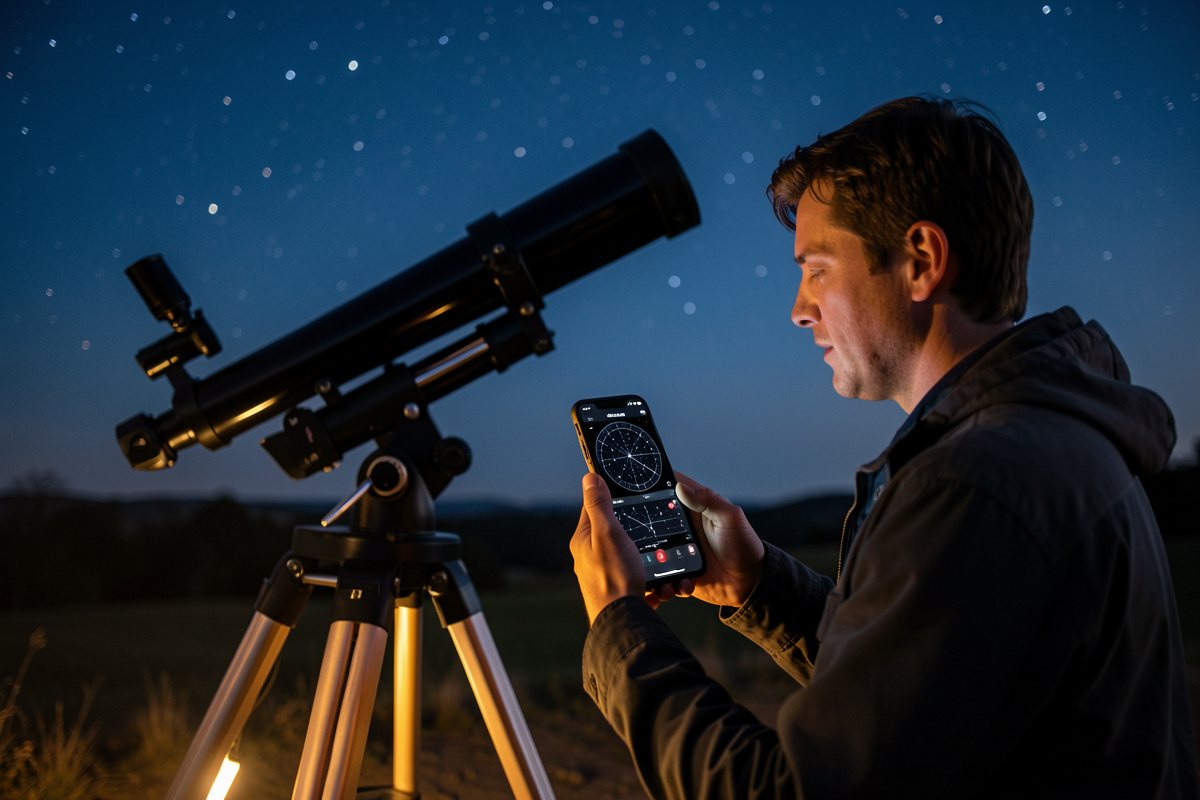

The best apps for telescope stargazing are the ones that get you to objects faster and keep your eyes dark-adapted while doing it — and after years of running everything from free phone apps to full desktop planetariums from my Swedish backyard, my real-world kit comes down to four I actually open on a given night. A good app turns “I think Andromeda is somewhere up there” into a tap, a slew, and an object in the field. The wrong app turns your phone into a white floodlight that wipes out twenty minutes of dark adaptation. This is the honest rundown of what I use at the eyepiece and why.
If you want the full planning workflow that these apps fit into — atlases, weather, logbooks — that lives in my astronomy apps and star atlas planning guide. This piece is specifically about the software on your phone and tablet at the scope.
The four jobs an astronomy app does
Before naming apps, it helps to know what you’re actually asking software to do, because no single app is best at all of it. The four jobs are: identify what you’re looking at (point the phone, read the label), plan a session (what’s well-placed tonight), find an object at the eyepiece (charts and star-hopping), and control a GoTo mount (slew to a target). Most beginners download one augmented-reality app and stop, which covers job one and none of the others.
I split these across tools deliberately. A point-and-identify app for casual “what’s that bright dot” moments and teaching the constellations; a proper planetarium for planning and finding; and a telescope-control app if I’m running the GoTo. Knowing which job you need decides which app earns space on your phone, and it stops you fighting a planning app to do identification or vice versa.
Point-and-identify apps: the gateway drug
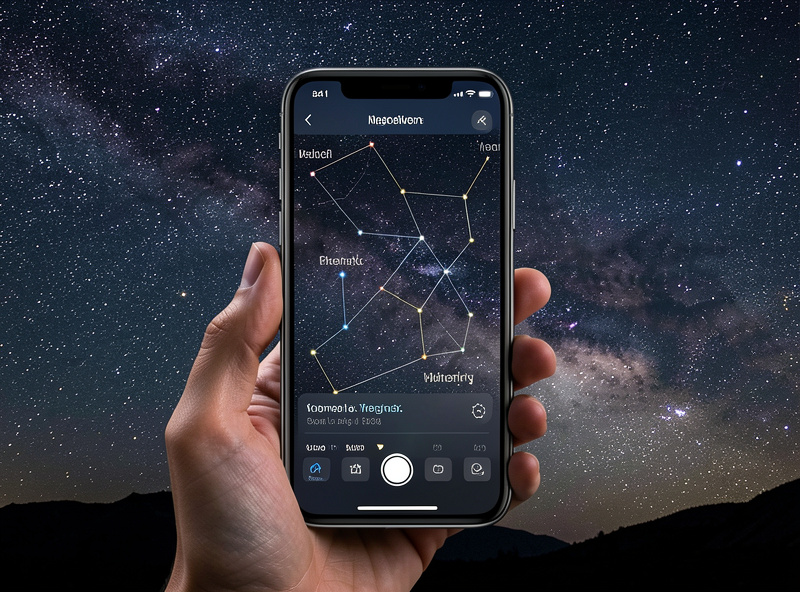
The augmented-reality apps — hold the phone up, it overlays constellation lines and labels on the live sky — are where almost everyone starts, and they’re genuinely good at one thing: learning the sky. When I’m teaching someone the constellations or settling whether that orange dot is Mars or Arcturus, this is the fastest tool there is. The free tiers are perfectly capable for this job.
Their weakness is dark adaptation and planning. The default bright interface destroys your night vision, and they’re built for “what am I looking at right now,” not “build me a target list for after midnight.” Most have a red night-mode buried in settings — turn it on immediately. But for serious finding work I switch to a planetarium. The AR app is the gateway; it’s not the workhorse.
Planetarium apps: the real workhorse
A planetarium app is the one I plan and find with. It renders the sky for my exact location and time, lets me scrub forward to see when a galaxy clears the trees, and gives me a proper finder chart to star-hop from. On the desktop, Stellarium is free and frankly absurd value — I plan most sessions on it indoors. On the phone and tablet, SkySafari is the field-ready choice: a clean red-mode interface, deep object database, and telescope control built in.
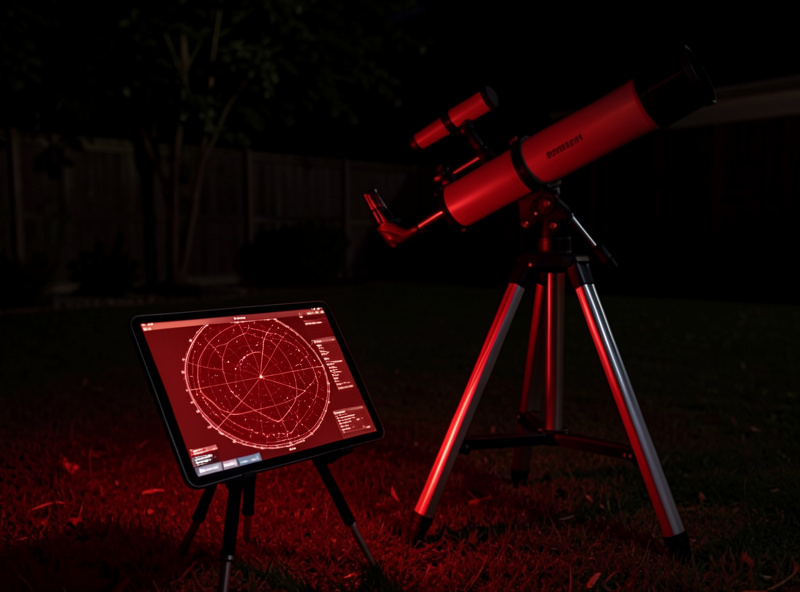
The two cover the same ground and the choice genuinely confuses people; I dig into the head-to-head separately in this cluster. Short version: plan on Stellarium for free at the desk, and if you want one polished app in your pocket at the scope, SkySafari’s paid tiers are worth it. From a high northern latitude I lean on the planetarium’s time-scrub hard, because the window when a target is both dark and high can be brutally short.
Telescope control apps: when you run a GoTo
If your mount has GoTo, a telescope-control app closes the loop: tap an object on the chart and the scope slews to it. SkySafari does this over WiFi or cable with most common mounts, and it turns the phone into a far nicer hand controller than the one that came in the box. I still align the mount the old way first, and I still think every observer should learn to star-hop before leaning on GoTo — but for a long session working a big target list, app control saves real time.
The caveat is that GoTo is only as good as your alignment and your power. A flaky connection or a dying tablet battery in the cold ends the session fast, so I keep the device warm and charged. If you’re imaging or running a long automated session, the control and power side gets more involved — my notes on powering a rig all night cover keeping the whole electronic chain alive in the field.
What I’d actually install if I were starting tonight
Keep it simple. Install one free augmented-reality app to learn the constellations and switch its red night mode on. Put Stellarium on whatever laptop you have to plan sessions for free. If you observe enough to want one polished app at the scope — and especially if you run GoTo — buy SkySafari at the tier that includes telescope control. That three-app kit covers identification, planning, finding, and slewing without overlap, and it’s most of the software I use across a season.
Resist the urge to collect apps. Four open tabs of half-learned tools is worse than two apps you know cold. The skill is in fluency — scrubbing time, reading a finder chart, hopping the last two degrees — not in owning the most software. Once the apps are sorted, the next planning question is what to actually put on your list, which is where the deep-sky object guide and the best Messier objects come in.
Frequently Asked Questions
What is the best free astronomy app for beginners?
Stellarium on the desktop is the best free planetarium for planning, and a free augmented-reality phone app is best for learning constellations. Together they cover identification and session planning at no cost, which is enough for most new observers before they buy anything paid.
Does SkySafari control a telescope?
Yes. SkySafari connects to most common GoTo mounts over WiFi or cable and slews the scope to any object you tap. You still align the mount first, but it makes a far better hand controller than the unit that ships in the box.
Will an astronomy app ruin my night vision?
It can, if you leave it on the bright default interface. Every serious app has a red night mode that preserves dark adaptation — turn it on the moment you install the app, and keep screen brightness as low as you can read it.
Do I need a paid app or is free enough?
Free is enough to start. Stellarium plus a free phone app covers planning and identification. The paid tiers of apps like SkySafari are worth it once you want a single polished tool at the eyepiece with a deep database and built-in telescope control.
Which app is best at the eyepiece versus at home?
At home for planning, the desktop Stellarium is unbeatable for free. At the eyepiece, a mobile app with a strong red night mode and finder charts — SkySafari being the common choice — works better because it is built for the field and for telescope control.
