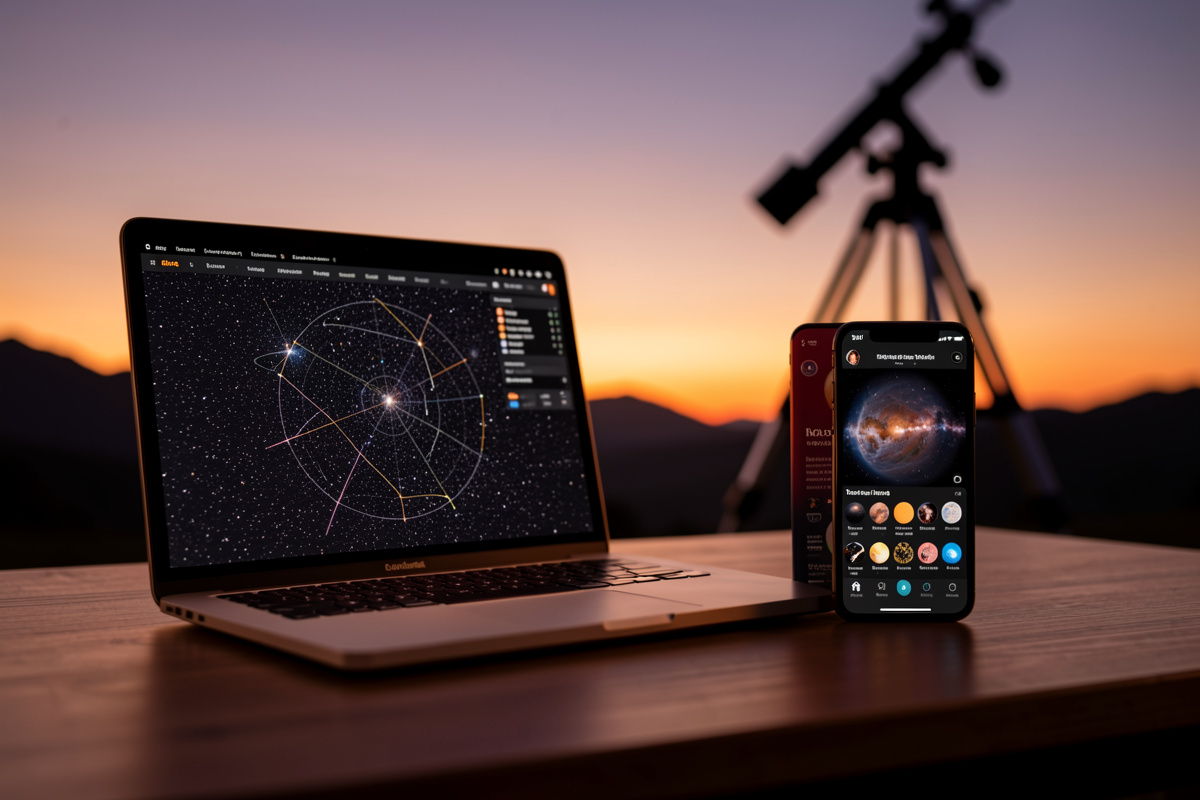

Stellarium vs SkySafari is the question every observer hits once they outgrow the free augmented-reality apps, and the honest answer is that they are not really competitors — they’re best at different jobs. Stellarium is the free desktop planetarium I plan every session on; SkySafari is the polished mobile app I carry to the eyepiece and use to drive the GoTo. After running both across years of Nordic nights, my actual recommendation for most people is “use both,” and this comparison explains exactly where each one wins so you don’t waste money or carry the wrong tool into the cold.
This sits inside my wider astronomy apps and planning guide, and if you just want the broad “what apps do I install” answer, my piece on the best apps for telescope stargazing covers the full kit. Here I’m going head-to-head on the two heavyweight planetariums.
The short answer
Stellarium wins on price and planning. It is free, runs on any laptop, renders a gorgeous photorealistic sky, and is the best tool there is for sitting indoors and building a target list. SkySafari wins on the field: a clean red-mode mobile interface, a deep object database in your pocket, and genuinely good telescope control over WiFi. If you can only have one and you observe with a GoTo mount, SkySafari Plus or Pro on your phone is the more complete single tool. If you want zero cost and plan at a desk, Stellarium covers you.
I use them in sequence, not in competition. Stellarium at the kitchen table the afternoon before; SkySafari outside at the scope. That split is the workflow most experienced observers I know land on, because each app is shaped for a different half of the night.
Where Stellarium wins
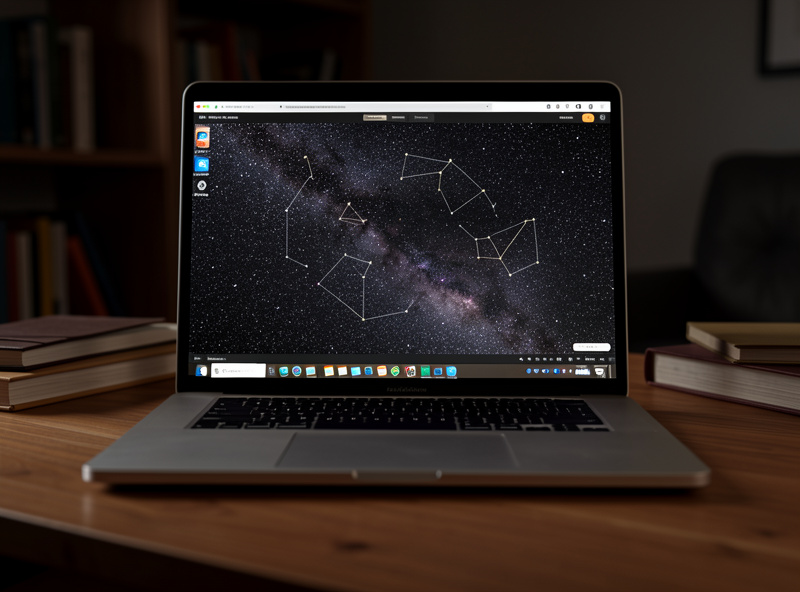
Stellarium’s first and biggest advantage is that it costs nothing and there is no catch — the desktop version is fully featured free software. On a laptop screen the planning experience is superb: a huge field of view, time controls you can scrub by hours or days, and a photorealistic horizon you can set to match your actual site. When I’m deciding whether a galaxy will clear my neighbour’s roofline at 1 a.m., the big screen and free time-scrub make Stellarium the natural tool.
It also wins for learning and for depth. The sky is beautiful enough to actually teach with, the object data is extensive, and there’s a mobile version too (Stellarium Mobile) if you want the same engine on a phone. The trade-off is that the free mobile app is more limited than the desktop, and the interface — built for a mouse and a big screen — is less slick in the field than SkySafari’s purpose-built touch design. Stellarium is the planning and learning champion.
Where SkySafari wins
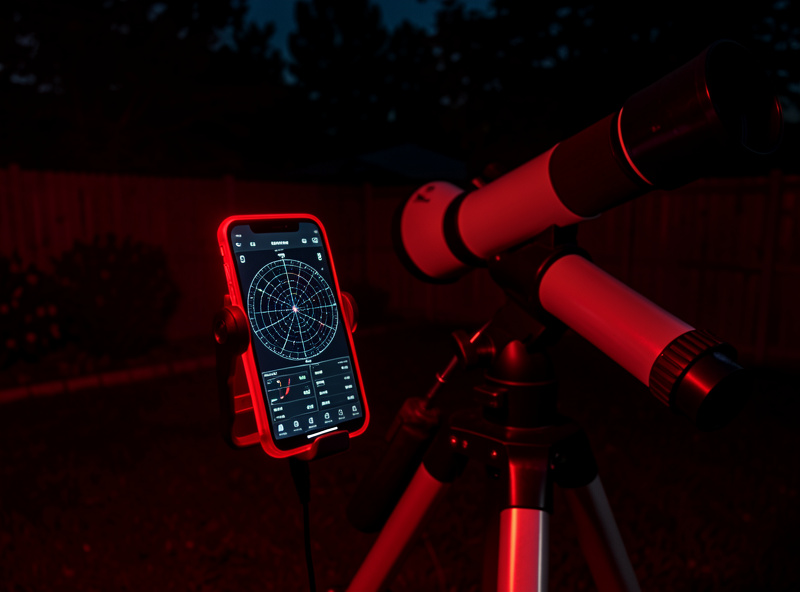
SkySafari was built for the phone in your hand at the telescope, and it shows. The red night-mode interface is the best in the business, the touch controls are designed for gloved fingers in the dark, and the object database — especially in the Plus and Pro tiers — is enormous. Crucially, telescope control is a first-class feature: connect to a GoTo mount over WiFi or cable, tap an object, and the scope slews to it. That makes SkySafari a far nicer hand controller than the one in the box.
The catch is money. SkySafari comes in tiers, and the version with serious telescope control and the deepest database is a paid app. For an observer who runs GoTo and wants one polished tool in their pocket, it’s worth every krona. For someone planning at a desk who never connects to a mount, the free Stellarium covers most of the same ground. SkySafari is the field and telescope-control champion.
Head-to-head comparison
| Factor | Stellarium | SkySafari |
|---|---|---|
| Cost | Free (desktop); paid mobile tiers | Free basic; Plus and Pro are paid |
| Best platform | Desktop / laptop | Phone / tablet |
| Planning at home | Excellent — big screen, time-scrub | Good |
| At the eyepiece | Workable on mobile | Excellent — built for the field |
| Red night mode | Available | Best-in-class |
| Telescope (GoTo) control | Plugin-based, fiddly | First-class, easy WiFi setup |
| Object database depth | Extensive | Very deep in Pro tier |
| Best for | Free planning and learning | One polished field app with GoTo |
Two things people get wrong about the comparison
First, people assume the app’s database size is the deciding factor. It rarely is. Both apps already list far more objects than any visual observer will work through in a lifetime — the SkySafari Pro catalogue runs into the tens of millions of stars, which is irrelevant when you can see a few thousand. What actually matters is the interface in the dark and whether it drives your mount, not raw catalogue numbers. Don’t pay for depth you’ll never reach if the cheaper tier already shows everything your aperture can find.
Second, people treat the GoTo-control feature as essential when many observers are better off learning to star-hop first. App control is brilliant once you know the sky, but leaning on it from day one means you never build the mental map that makes you fast and independent of a battery. I’d point a beginner at free Stellarium and manual star-hopping for the first season, then add SkySafari’s GoTo once they actually know where things are. The app is a force multiplier, not a substitute for skill.
So which should you buy?
If you’re cost-conscious and plan at a desk: Stellarium on the laptop, free, full stop — and add a free phone app for identification. If you run a GoTo mount and want one tool at the scope: buy SkySafari at the tier that includes telescope control, and you can still plan on free Stellarium first. If you observe seriously and the budget allows, do exactly what I do — plan on Stellarium, observe and slew with SkySafari. There’s no rule that says you pick one, and the two together cost less than a single mid-range eyepiece.
Whichever you choose, the app is only the finding tool. What you point it at is the next question — start with the deep-sky object guide for a target menu, or the galaxy-hunting guide if you want a challenge to plan around.
Frequently Asked Questions
Is Stellarium or SkySafari better for beginners?
For a beginner planning at a desk, free Stellarium on a laptop is the best starting point — it costs nothing and teaches the sky beautifully. For someone observing in the field with a phone, SkySafari’s touch interface and red night mode are easier to use at the telescope.
Is Stellarium really free?
Yes, the desktop version of Stellarium is fully featured free software with no catch. There are paid mobile versions, but the free desktop app is more than enough for planning sessions, building target lists, and learning the night sky.
Does Stellarium control a telescope?
It can, through a telescope-control plugin, but the setup is fiddlier than SkySafari’s. If easy GoTo control over WiFi is a priority, SkySafari is the smoother choice; if you only plan and never connect a mount, Stellarium is fine.
Which SkySafari version do I need?
For casual identification the free version works. For a deep object database and proper telescope control, you need a paid tier (Plus or Pro). If you run a GoTo mount, the telescope-control feature in the paid tiers is the reason to buy it.
Can I use both Stellarium and SkySafari together?
Yes, and many experienced observers do. The common workflow is to plan a session on free desktop Stellarium indoors, then carry SkySafari on a phone to the telescope for finding objects and controlling a GoTo mount. The two complement each other perfectly.
Do these apps work at high latitudes?
Yes. Both render the sky correctly for any location, including high northern latitudes. The apps show the geometry accurately, but you still have to judge whether low-altitude haze and the long twilight of a Nordic summer will let you actually see a given target.
